Field Service Management Software: Streamline Operations, Boost Productivity, and Cut Costs
You manage service teams, schedules, and customer expectations, and field service management software gives you a single system to automate work orders, dispatch technicians, track assets, and capture invoices on site. Adopting the right platform reduces manual coordination, speeds response times, and helps you deliver consistent, measurable service outcomes.
This article Field Service Management Software breaks down the key features to look for—real-time tracking, route optimization, inventory control, and customer communication—and shows how those capabilities translate into operational improvements. You’ll also find practical adoption strategies so you can pick, implement, and scale a solution that fits your trade, team size, and business goals.
Key Features and Capabilities
These features enable you to manage jobs, assign the right technicians, provide field teams with real-time tools, and control parts and assets to reduce downtime and cost.
Work Order Management
Work order management centralizes job creation, status tracking, and closure. You create work orders from customer requests, inspections, or recurring maintenance schedules and attach required parts, safety notes, and SLA deadlines.
Look for systems that support configurable workflows: automatic priority assignment, approval gates, and customizable fields so your team captures the exact data you need. Integration with billing and CRM ensures invoices and customer histories update automatically when a job is completed.
Useful capabilities include templated work orders for common tasks, digital signatures and photos for proof of service, and automated notifications for overdue or completed tasks. These reduce paperwork and speed up audit trails.
Scheduling and Dispatch
Scheduling and dispatch coordinate your technicians, equipment, and routes to meet time windows and SLAs. You should be able to view technician skills, certifications, current location, and workload on a single board before assigning a job.
Advanced tools offer drag-and-drop scheduling, rule-based assignments (skill match, travel time, priority), and automated optimization to minimize travel and meet appointment windows. Real-time updates push changes to field devices and adjust downstream jobs when delays occur.
Dispatchers benefit from geofencing, estimated arrival times, and what-if planning to reassign jobs when emergencies or cancellations happen. Reporting on utilization and first-time-fix rates helps you refine schedules and staffing.
Mobile Access
Mobile access gives technicians on-site tools to complete work efficiently and accurately. Your mobile app should include offline capability, step-by-step task lists, parts lookup, and time and expense capture so technicians stay productive without constant connectivity.
Tight integration between mobile and back-office systems lets you send new jobs, receive photos and signatures, and auto-update inventory and billing in real time. Look for role-based interfaces that surface only relevant forms, safety checklists, and troubleshooting guides to reduce errors.
Push notifications, route guidance, and customer communication features (SMS/email ETA) improve first-time-arrival rates and customer satisfaction.
Inventory and Asset Tracking
Inventory and asset tracking ensure technicians have the right parts and you avoid excess stock or outages. Your solution should track inventory across warehouses, trucks, and sites, record serial numbers, and support FIFO or lot tracking for warranties and recalls.
Key features include real-time stock levels, automatic reordering thresholds, and mobile scanning (barcode/RFID) for fast check-in/check-out. Linking parts usage to specific work orders and assets provides visibility into part cost per job and improves warranty claim support.
Asset tracking extends to installed equipment: maintain service histories, warranty periods, and replacement schedules so you can predict failures and plan preventive maintenance.
Business Benefits and Implementation Strategies
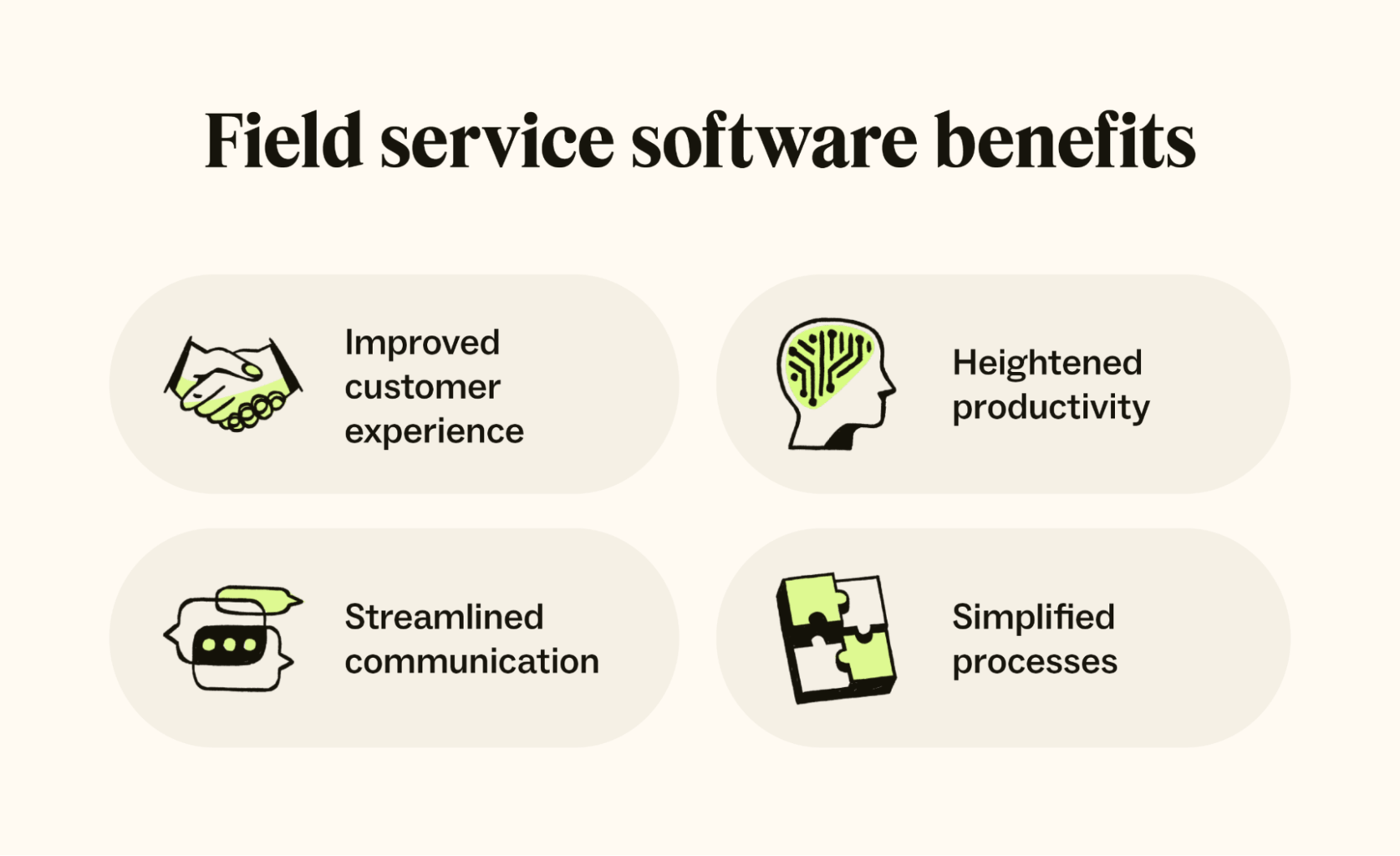
You will see how the software reduces wasted travel time, improves first-time fix rates, and ties field activity to billing and inventory. You will also learn practical steps for selecting vendors, configuring workflows, and training teams to adopt the system quickly.
Operational Efficiency Gains
Field service software streamlines scheduling and dispatch so you assign the right technician to the right job based on skills, location, and parts availability. Automated route optimization reduces drive time and fuel costs, while real-time technician tracking lets you reassign work when delays occur.
Use mobile work orders to eliminate paper and capture job notes, photos, and signatures at the point of service. That speeds invoicing and reduces billing disputes. Implement predictive maintenance features where possible to move from reactive repairs to planned visits and lower emergency costs.
Key metrics to monitor:
- Technician utilization rate
- First-time fix rate
- Average travel time per job
- Time from completion to invoice
Customer Experience Improvements
You can increase customer satisfaction by giving clients accurate arrival windows, live technician tracking, and SMS updates. Providing digital estimates and on-site electronic signatures speeds payment and reduces friction.
Deliver consistent service by standardizing checklists and procedures within the app. Capture customer feedback immediately after job completion to measure satisfaction and spot trends. Faster response times, transparent communication, and fewer repeat visits all strengthen client retention and referral rates.
Integration with Existing Systems
Integrate your FSM platform with CRM, ERP, and accounting systems to avoid duplicate data entry and ensure work orders flow into billing automatically. Map key data fields—customer ID, asset records, parts usage, and invoice numbers—before you begin integration.
Adopt an API-first approach or use the vendor’s prebuilt connectors for common systems (e.g., QuickBooks, SAP, Salesforce). Start with one-way sync for low-risk fields, validate data integrity, then enable two-way updates. Plan for role-based access controls and audit logging to preserve security and compliance during and after integration.
About the Author